

Why Most Compliance Checklists Fail and How to Build One That Works
Audit reviews increasingly highlight a consistent gap: organizations can document compliance requirements but struggle to demonstrate how those requirements are executed. Under frameworks such as NIST, HIPAA and GDPR, missing evidence, unclear ownership, and inconsistent checklist execution often surface during audits.

For compliance leaders, the challenge is ensuring that every control is performed and traceable, not just defined.
A compliance checklist sits at the center of this execution layer, translating regulatory obligations into structured, repeatable actions. Its effectiveness determines whether compliance holds under scrutiny or breaks down during review.
This article outlines how to build and operationalize a compliance checklist that supports consistency, accountability, and audit readiness.
An Overview
- A compliance checklist must translate regulatory obligations (e.g., NIST, HIPAA, GDPR) into repeatable, accountable control actions, not static tasks
- Most compliance checklists fail when they remain disconnected from workflows, ownership, and evidence capture
- Effective checklists include defined ownership, execution frequency, evidence requirements, and escalation paths
- Different types, regulatory, audit, and operational, serve distinct purposes but must align within a unified compliance structure
- Building a compliance checklist requires mapping regulations, controls, workflows, evidence for audit defensibility
- Operationalizing a checklist depends on cross-functional execution, real-time visibility, and consistent tracking across teams
- Common gaps include inconsistent execution, lack of traceability, and fragmented tools, which weaken audit readiness
What Are Operational Security Controls?
Operational security controls define how governance expectations are executed in practice. They determine whether policies and technical safeguards translate into consistent, traceable actions that can withstand audit and regulatory scrutiny.
Definition in a Governance Context
Operational security controls are embedded process actions that ensure security requirements are executed consistently across workflows. Within frameworks such as NIST SP 800-53, they align with operational control families governing procedures, responsibilities, and execution discipline.
Unlike policies, they are measurable through execution outcomes, making them central to audit validation and regulatory defensibility.
Where Operational Controls Sit Within Security Frameworks
Operational controls function as execution mechanisms across major frameworks:
- NIST SP 800-53: Incident Response (IR), Contingency Planning (CP), Awareness & Training (AT)
- ISO 27001 Annex A: Operations security, access control, supplier governance
- Role: Translate control objectives into enforceable, repeatable workflows
- Audit relevance: Provide evidence of control performance, not just documentation
What Makes a Control “Operational”
Operational security controls are defined by how they function within workflows:
- Execution-driven: Focused on actions performed, not policies written
- Repeatable: Applied consistently across systems, users, and events
- Human + process integration: Requires coordination across teams and tools
- Traceable: Generate logs, approvals, and audit-ready evidence
Also read: 11 Best GRC Tools and Platforms to Use in 2025
Why Operational Security Controls Matter in Regulated Environments

Regulatory expectations increasingly focus on how controls are executed, not just defined. Operational security controls determine whether organizations can demonstrate compliance, maintain visibility into risk, and respond effectively to incidents:
1. Control Execution as Audit Evidence
Operational controls generate the evidence required for audit validation. Frameworks such as NIST and ISO 27001 require organizations to demonstrate that controls are performed consistently and documented accurately. Without this, compliance cannot be proven, even if policies are well-defined.
2. Bridging Policy and Real-World Execution
A consistent gap exists between policy intent and operational reality. Operational controls close this gap by embedding procedures into workflows, ensuring that governance requirements are applied consistently across teams and systems.
3. Impact on Risk Visibility and Decision-Making
Control execution directly affects how risks are identified and monitored. Inconsistent execution creates blind spots, limiting leadership’s ability to assess exposure and prioritize mitigation efforts.
4. Role in Incident Prevention and Response
Operational controls govern detection, escalation, and response workflows. Clear procedures and accountability improve response effectiveness and ensure that incidents are managed in alignment with governance expectations.
Types of Operational Security Controls (With Examples)
Operational security controls span multiple functions, but their value lies in how consistently they are executed. Each type reflects how governance requirements are translated into action and how failures impact risk exposure:
1. Access Control Procedures
Access controls manage how users gain and retain system access:
- User onboarding and offboarding workflows
- Privilege reviews and access validation
- Role-based access enforcement
- Escalation for exceptions
Example: Quarterly privileged access reviews
Operational implication: Prevents the accumulation of unnecessary access
Risk impact: Reduces unauthorized access risk
2. Incident Response Procedures
Incident response controls define how events are managed across their lifecycle:
- Detection and classification workflows
- Escalation paths and ownership
- Cross-functional coordination
- Documentation of actions
Example: Defined escalation matrix for security incidents
Operational implication: Ensures timely response
Risk impact: Limits operational disruption
3. Monitoring and Logging Activities
Monitoring controls provide visibility into system activity:
- Log collection and review processes
- Alert triage workflows
- Anomaly detection procedures
- Periodic audits
Example: Daily log review processes
Operational implication: Enables early detection
Risk impact: Reduces undetected threats
4. Change Management Controls
Change management governs how system changes are implemented:
- Change approval workflows
- Testing and validation procedures
- Version control and documentation
- Post-change reviews
Example: Approval workflows for production changes
Operational implication: Reduces disruption
Risk impact: Prevents misconfigurations
5. Backup and Recovery Processes
Backup controls ensure data availability and continuity:
- Scheduled backups
- Restoration testing
- Documentation of recovery procedures
- Periodic drills
Example: Monthly recovery testing
Operational implication: Confirms readiness
Risk impact: Minimizes downtime
6. Vendor and Third-Party Oversight
Third-party controls manage external risk exposure:
- Vendor access monitoring
- Periodic compliance reviews
- Risk assessments
- Incident reporting requirements
Example: Quarterly vendor audits
Operational implication: Maintains accountability
Risk impact: Reduces third-party risk
Also read: 6 Best OSHA Compliance and Safety Audit Software
How Operational Security Controls Function in Practice

Operational security controls are only effective when they are consistently executed across workflows, teams, and systems. In practice, their performance depends on coordination, process discipline, and the ability to generate traceable evidence that supports both internal oversight and external audit requirements:
1. Control Execution Across Teams
Operational security controls are rarely owned by a single function; they require coordinated execution across IT, security, compliance, and business teams. Each team is responsible for specific steps within a control workflow, making alignment critical.
Without clearly defined roles and handoffs, execution becomes inconsistent, increasing the risk of missed steps and reducing overall control reliability.
- Cross-functional ownership across departments
- Defined responsibilities for each control step
- Dependency on timely action from multiple teams
- Increased risk when accountability is unclear
2. Workflow Dependency and Coordination
Operational controls rely on sequential workflows where one action triggers the next. These dependencies create points of fragility, especially when execution is manual or loosely tracked.
Delays, missed approvals, or incomplete handoffs can disrupt the entire control process, making it difficult to maintain consistency and increasing exposure to compliance failures.
- Sequential workflows with interdependent steps
- Reliance on timely approvals and escalations
- High risk of breakdown at handoff points
- Limited visibility into workflow completion status
3. Documentation and Evidence Capture
For operational controls to be audit-ready, every action must generate verifiable evidence. This includes logs, approvals, timestamps, and supporting documentation that demonstrate execution.
Without structured evidence capture, organizations cannot validate control performance, making it difficult to respond to audits or reconstruct events during incident reviews.
- Logs and system-generated records
- Approval trails and timestamps
- Documentation of actions and decisions
- Centralized storage of evidence for audit access
4. Where Breakdowns Typically Occur
Breakdowns in operational controls typically occur due to inconsistent execution, unclear ownership, or a lack of visibility into workflows. These failures are often not immediately visible but surface during audits or incidents, when organizations are unable to demonstrate control performance or explain deviations from expected processes.
- Missed steps due to manual execution
- Variability in how teams apply procedures
- Lack of real-time visibility into execution status
- Gaps in documentation and audit trails
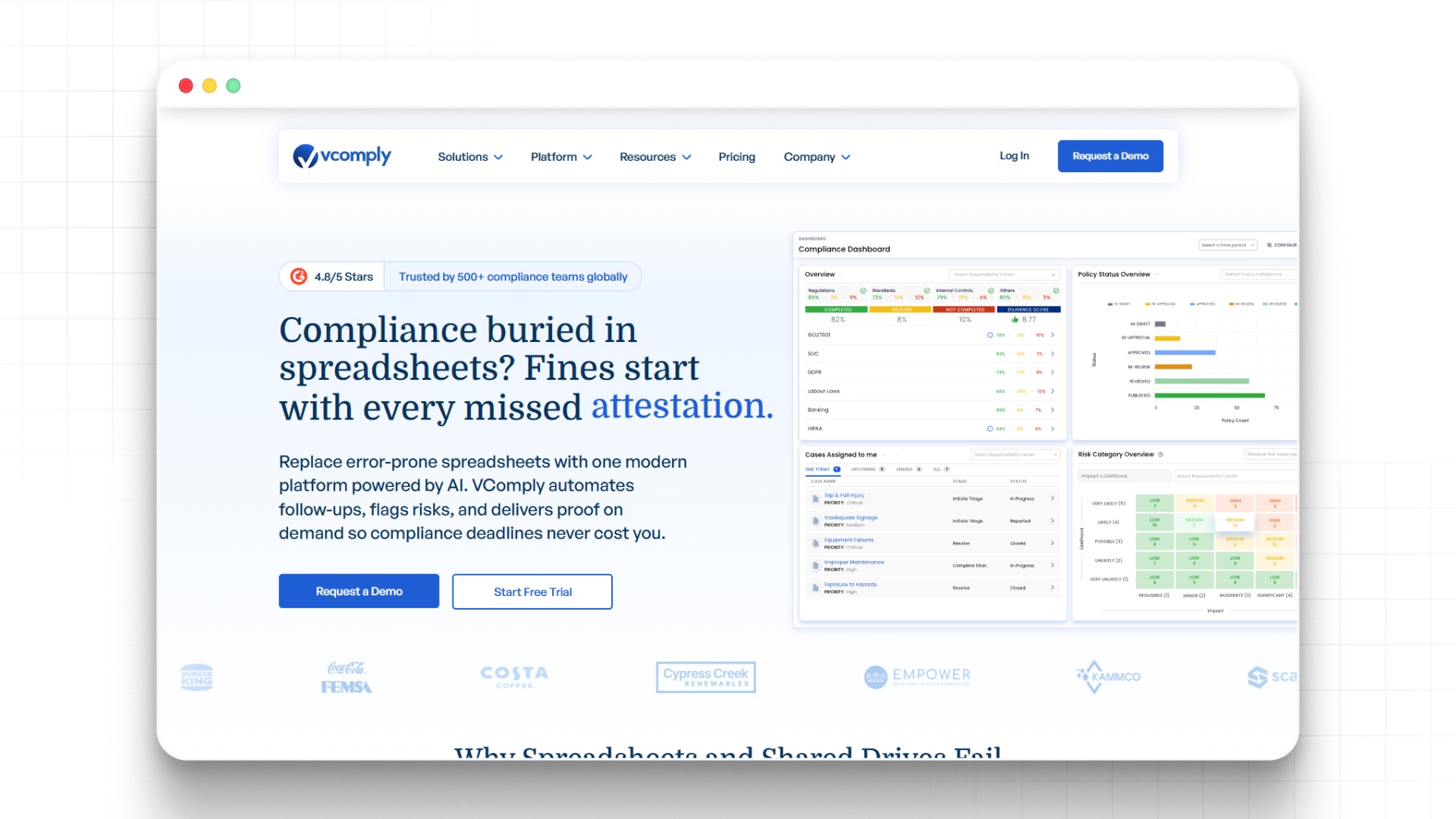
As control execution spans multiple teams and dependencies, maintaining consistency and visibility becomes increasingly complex. Book a demo with VComply to see how workflow-driven systems can help coordinate execution, capture evidence, and reduce breakdowns across control processes.
Measuring the Effectiveness of Operational Security Controls
Defining operational security controls is not sufficient; organizations must continuously assess whether those controls are functioning as intended. Measurement provides visibility into execution quality, highlights systemic weaknesses, and supports decision-making related to risk and compliance:
1. Key Indicators of Control Effectiveness
Control effectiveness can be assessed using measurable indicators that reflect execution consistency and reliability. These metrics provide insight into whether controls are being performed as expected and where deviations occur, enabling organizations to identify weaknesses before they become audit issues or operational risks.
- Control completion rates across workflows
- Exception rates and unresolved deviations
- Adherence to defined timelines
- Frequency of control failures or overrides
2. Audit Findings as Signals
Audit findings serve as critical indicators of control performance, particularly when issues recur across reviews. Repeated findings often point to systemic weaknesses in execution rather than isolated incidents, highlighting areas where controls are not functioning as intended and require structural improvement.
- Recurring audit observations across periods
- Identified gaps in execution or documentation
- Misalignment between policy and practice
- Indicators of broader control weaknesses
3. Continuous Monitoring vs Periodic Reviews
Effective control measurement requires a balance between continuous monitoring and periodic evaluation. Continuous monitoring provides real-time visibility into execution, while periodic reviews offer structured assessments. Together, they ensure that controls remain effective over time and adapt to changing operational conditions.
- Real-time monitoring of control execution
- Scheduled reviews for validation and improvement
- Identification of trends and recurring issues
- Alignment with audit and compliance cycles
Common Gaps in Operational Security Controls

Operational security controls often fail not because they are poorly designed, but because they are inconsistently executed or inadequately tracked. These gaps typically emerge under audit scrutiny, where organizations must demonstrate not just control existence but control performance over time:
1. Controls Defined but Not Executed
In many organizations, controls are documented but not consistently embedded into workflows. Execution depends on manual effort, which introduces variability and increases the likelihood of missed steps, particularly during high-pressure situations such as incidents or audits.
- Reliance on manual execution without enforcement
- Controls not integrated into operational systems
- Inconsistent adherence to defined procedures
- Increased risk during high-volume or critical events
2. Inconsistent Application Across Teams
Operational controls are often applied differently across teams, regions, or business units. This inconsistency reduces reliability and makes it difficult to assess overall control effectiveness, especially in organizations with distributed operations.
- Variations in the interpretation of control requirements
- Differences in execution across teams
- Lack of standardized workflows
- Limited visibility into cross-functional performance
3. Lack of Evidence and Traceability
Even when controls are executed, organizations frequently lack the documentation needed to validate them. Without traceability, it becomes difficult to demonstrate compliance or respond to audit inquiries effectively.
- Missing logs, approvals, or records
- Evidence stored across disconnected systems
- No clear linkage between actions and controls
- Manual documentation prone to gaps
4. Fragmented Tools and Processes
Control execution is often spread across multiple tools and systems, creating silos that reduce visibility and coordination. This fragmentation increases the likelihood of missed steps and limits the ability to manage controls cohesively.
- Use of spreadsheets, emails, and disparate tools
- Lack of centralized control tracking
- Inefficient coordination across teams
- Limited ability to monitor control performance
Also read: 5 Essential Compliance Management Tools For Teams
Best Practices for Implementing Operational Security Controls
Effective implementation requires more than defining procedures; it requires structuring execution so that controls are consistently applied, monitored, and validated across the organization.
These practices help organizations move from reactive compliance to controlled, repeatable governance:
1. Standardize Control Workflows
Standardization ensures that controls are executed consistently across teams and environments. By defining structured workflows, organizations reduce variability and improve reliability, making it easier to assess control performance and maintain compliance.
- Define step-by-step execution procedures
- Apply consistent workflows across teams
- Integrate controls into operational systems
- Establish checkpoints for validation
2. Define Ownership and Accountability
Clear ownership ensures that each control is executed and monitored effectively. Without accountability, controls are more likely to be missed or inconsistently applied, increasing risk exposure and reducing audit defensibility.
- Assign responsibility for each control
- Define escalation paths for failures
- Track ownership across workflows
- Ensure visibility into accountability
Standardizing controls across teams requires more than defined procedures; it requires consistent execution and accountability. Book a demo with VComply to explore how structured workflows can help align control execution with risk and compliance objectives.
3. Align Controls with Risk and Compliance Objectives
Operational controls must directly support risk management priorities and regulatory requirements. Aligning controls with these objectives ensures that execution efforts contribute to measurable governance outcomes.
- Map controls to specific risks
- Align with regulatory requirements (e.g., NIST, ISO)
- Prioritize controls based on impact
- Continuously review relevance and effectiveness
Bringing Structure to Operational Security Control Execution
Operational security controls often break down when execution depends on fragmented tools, manual coordination, and inconsistent oversight. As organizations scale, maintaining visibility into control performance becomes increasingly difficult, particularly when controls span multiple teams and regulatory requirements.

VComply’s GRCOps Suite structures operational security controls into unified workflows, enabling consistent execution, centralized visibility, and audit-ready evidence.
- Centralized control tracking with defined ownership
- Workflow-driven execution across teams
- Real-time visibility into control performance
- Integrated evidence capture for audits
- Alignment with risk and compliance frameworks
See how structured workflows improve control execution and strengthen governance visibility across your organization. Book a demo with VComply now.
Conclusion
A compliance checklist only delivers value when it functions as a system of execution rather than a static record of obligations. Its effectiveness depends on whether controls are consistently performed, ownership is clearly defined, and evidence is captured in a way that supports audit scrutiny.
When these elements are missing, organizations face limited visibility into control performance, delayed decision-making, and increased exposure during regulatory reviews.
Structuring a compliance checklist around workflows, accountability, and traceability ensures that compliance efforts remain measurable, repeatable, and aligned with governance expectations.
As organizations scale, maintaining this consistency becomes difficult due to fragmented workflows and limited visibility. VComply’s ComplianceOps addresses this by structuring checklist execution within controlled workflows, ensuring accountability and audit-ready evidence.
Start a 21-day free trial of VComply to explore how VComply can help standardize compliance execution and strengthen oversight across your organization.
FAQs
Operational controls include access reviews, incident response workflows, monitoring processes, and change management procedures. These controls ensure policies and technical safeguards are executed consistently.
Operational controls rely on workflows and human execution, while technical controls are system-enforced mechanisms. Operational controls ensure consistent application of both administrative and technical requirements.
Failures typically result from inconsistent execution, lack of documentation, or unclear ownership, preventing organizations from demonstrating control effectiveness.
Organizations can improve effectiveness by standardizing workflows, assigning ownership, and using structured systems like VComply to ensure consistent execution and audit readiness.