

Top Crisis Management Tools for Regulated Teams in 2026
When a crisis hits, response quality is determined long before the first alert goes out. For U.S. organizations, delays usually stem from fragmented communication, unclear ownership, and response steps that live in documents instead of systems. Under pressure, teams fall back on emails, calls, and spreadsheets, which slows down decisions and increases risk.
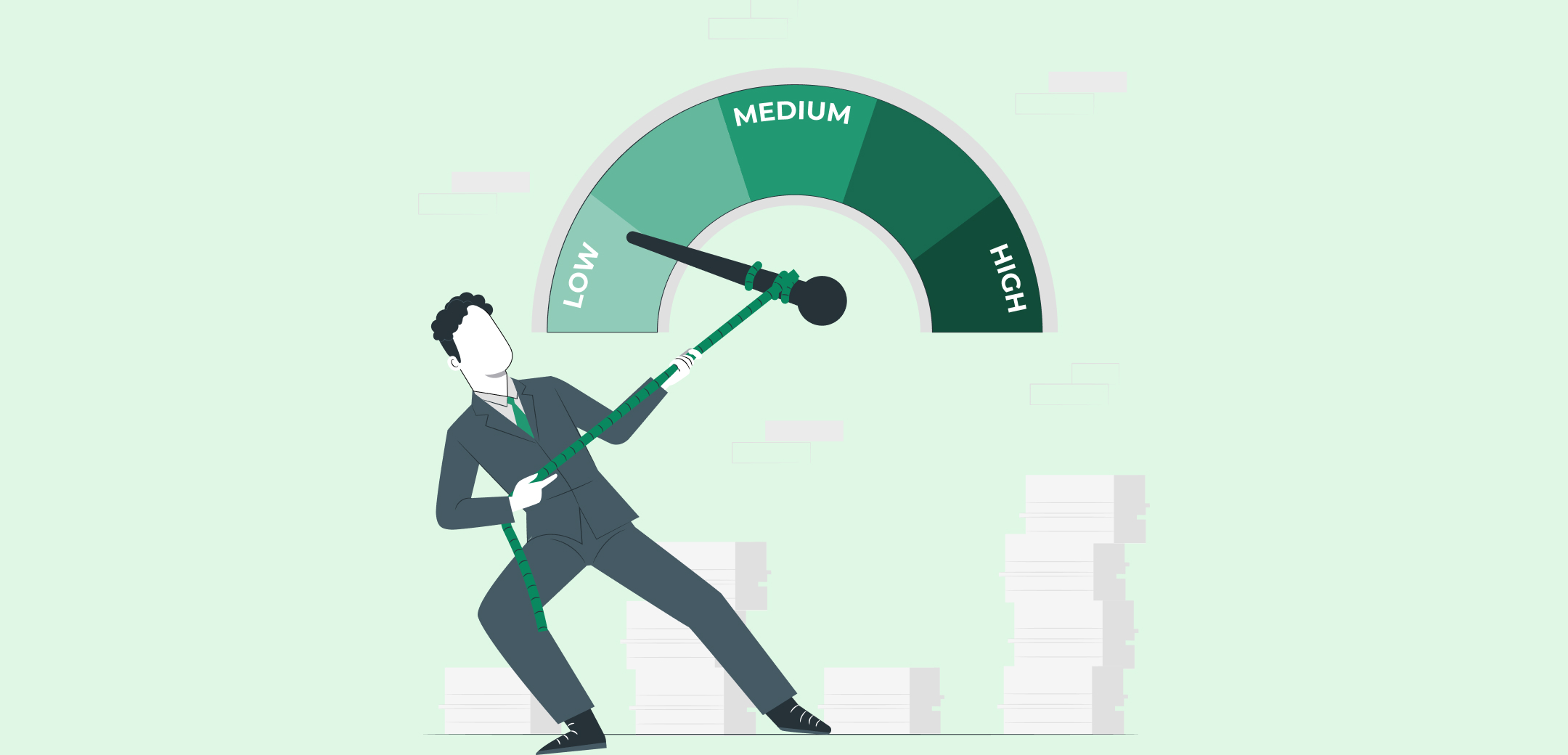
Crisis management tools help eliminate that chaos. They provide structure when time is limited, align teams around clear actions, and maintain visibility as situations evolve. In 2026, the most effective tools focus less on alerts alone and more on coordinated execution from detection to resolution.
This guide reviews the top crisis management tools, focusing on execution, accountability, how they work for you, and operational clarity.
In 30 Seconds
- Most crisis failures trace back to unclear ownership.
- Notification tools start responses, execution platforms finish them.
- Real-time visibility prevents leadership blind spots.
- Built-in evidence protects teams during audits and investigations.
- The right platform turns every incident into stronger future readiness.
What Are Crisis Management Tools?
Crisis management tools are software platforms that help organizations prepare for, respond to, and recover from disruptive events such as cyber incidents, operational failures, regulatory crises, or reputational threats.
Unlike basic notification systems, modern crisis management tools support the full response lifecycle. They activate response plans, assign tasks, track progress, and provide real-time visibility into what is happening and who is responsible. This structure is critical when decisions must be made quickly and information changes rapidly.
For compliance, risk, security, and operations leaders, these tools also create a record of actions taken during a crisis. That documentation supports post-incident reviews, regulatory inquiries, and internal accountability, all without relying on manual reconstruction after the fact.
Also Read: Handling Rapid Response Communication In a Compliance Crisis

Features to Look for in Crisis Management Tools
Not all crisis management tools are designed for regulated environments. For compliance, risk, and operations teams, the difference lies in how well a platform enforces execution under pressure.
When evaluating crisis management tools, prioritize these capabilities:
1. Structured Response Workflows
The tool should convert response plans into live, step-by-step workflows with sequencing, deadlines, and escalation rules. Teams should follow guided actions inside the system, not static playbooks.
2. Clear Ownership & Accountability
The system should show who is responsible for each task, who has accepted it, and where work is stalled. This prevents hand-offs from being lost between teams such as IT, legal, compliance, and operations, and removes ambiguity during high-stress response windows.
3. Real-Time Visibility
Dashboards should show open actions, overdue tasks, key decisions, and escalation status in real time, across all teams involved. This eliminates dependency on manual status calls and enables faster, evidence-based decisions when timelines are compressed.
4. Audit-Ready Documentation
Actions, decisions, approvals, and evidence should be captured automatically during the response, creating a complete audit trail without post-incident reconstruction.
5. Integration With Risk & Compliance
Incidents should link directly to risks, controls, policies, and remediation workflows to support reviews, regulatory reporting, and follow-up actions.
Tools that lack these features often shift work back to spreadsheets and email at the worst possible moment.
Top Crisis Management Tools
In a real crisis, the problem is rarely awareness. It is execution. Alerts go out, but ownership, task tracking, and documentation often break down while pressure is highest.
Crisis management tools differ in how they handle this moment. Some prioritize notification. Others enforce structured response, accountability, and evidence capture as events unfold. For regulated teams, that difference determines whether a response holds up during reviews and audits.
The tools below are compared based on execution workflows, coordination, real-time visibility, and audit readiness.
1. VComply
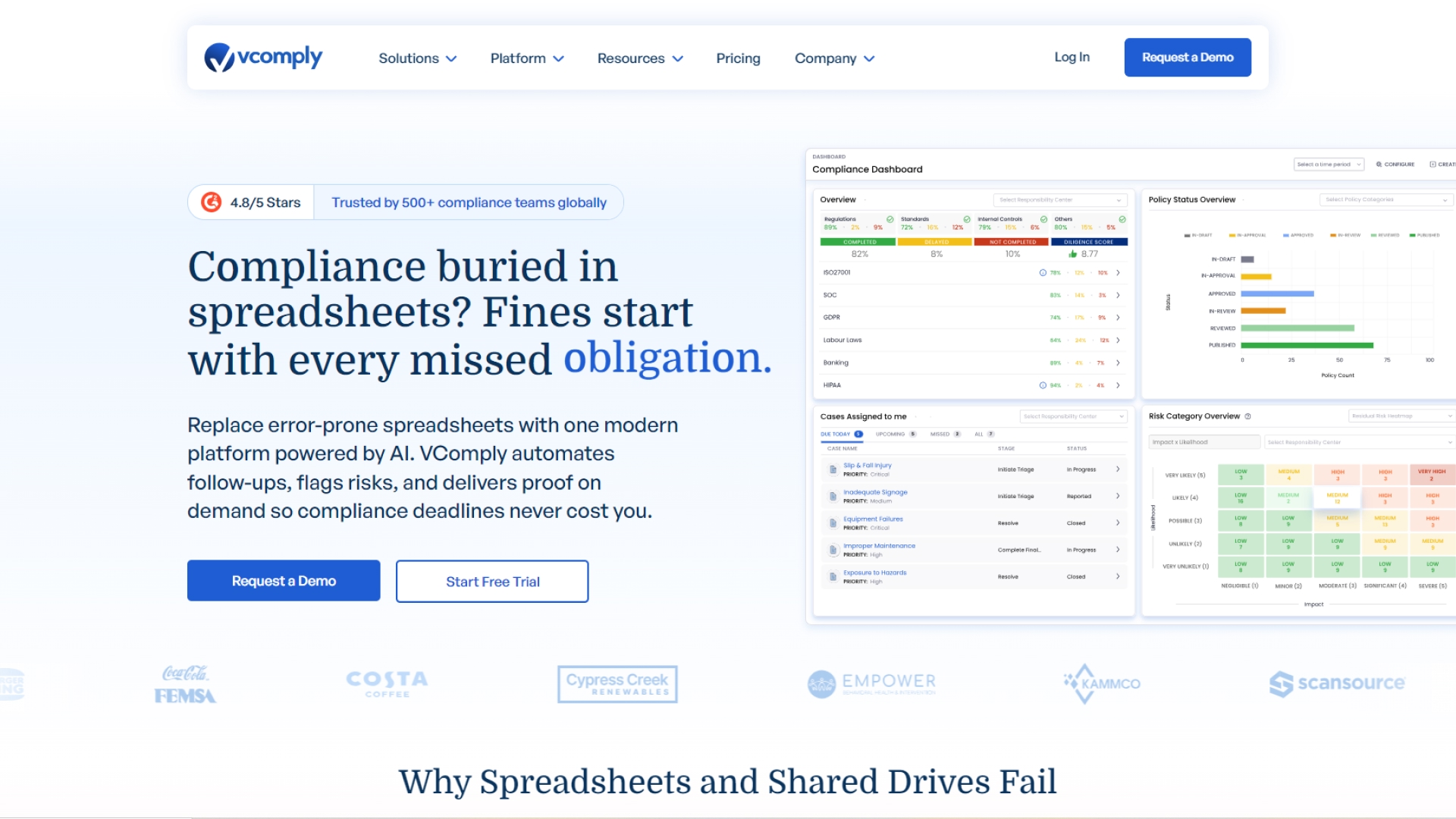
VComply is built for regulated organizations that need crisis response to be executed, tracked, and defensible, not just communicated. It transforms incidents into structured, auditable workflows with assigned owners, deadlines, and escalation paths, giving teams a single system of record during high-pressure events. VComply operationalizes crisis response and risk governance through two purpose-built modules: CaseOps and RiskOps.
CaseOps
CaseOps is VComply’s case management module for compliance incidents and investigations. It replaces informal issue tracking with structured, auditable workflows for reporting, triage, assignment, and resolution.
CaseOps provides:
- Clear ownership and accountability for every action
- A single system of record for decisions, evidence, and progress
- Visibility into recurring issues and patterns
By enforcing consistency and preserving evidence, CaseOps helps teams resolve incidents faster while staying audit- and review-ready.
RiskOps
RiskOps automates risk assessment and mitigation tracking at scale, linking risks to controls, policies, and incidents for unified oversight.
RiskOps supports:
- Collaborative risk assessments across teams
- Real-time dashboards for risk status, blockers, and progress
- Post-incident reviews that feed lessons back into risk programs
Together, CaseOps and RiskOps support both crisis execution and ongoing risk governance, strengthening regulatory defense and organizational preparedness.
What sets VComply apart is how crisis activity is preserved after the event. Actions, decisions, approvals, and evidence are retained and linked back to risks, controls, and policies. This significantly reduces post-incident reconstruction and strengthens audit readiness.
Key Features:
- Structured Crisis & Incident Workflows: Response steps follow predefined sequences with clear owners and escalation logic.
- Real-Time Dashboards & Status Tracking: Live visibility into open tasks, blockers, and progress.
- Centralized Action & Evidence Repository: All actions, decisions, and supporting evidence are captured in one place.
- Integrated Risk & Compliance Context: Links crisis events back to risks, controls, and policy obligations.
- Post-Incident Accountability & Review: Supports lessons-learned workflows and audit-ready reporting.
Best For: Mid-market to enterprise US teams that require repeatable, accountable crisis execution and evidence trails integrated with broader risk and compliance responsibilities.
G2 Rating: 4.6 / 5
Pricing: $1,000+/month for Pro Suite; enterprise pricing varies by modules deployed.
Trial / Demo: 21-day free trial + live demo on request.
2. Everbridge Crisis Management
https://www.everbridge.com/use-cases/crisis-management/
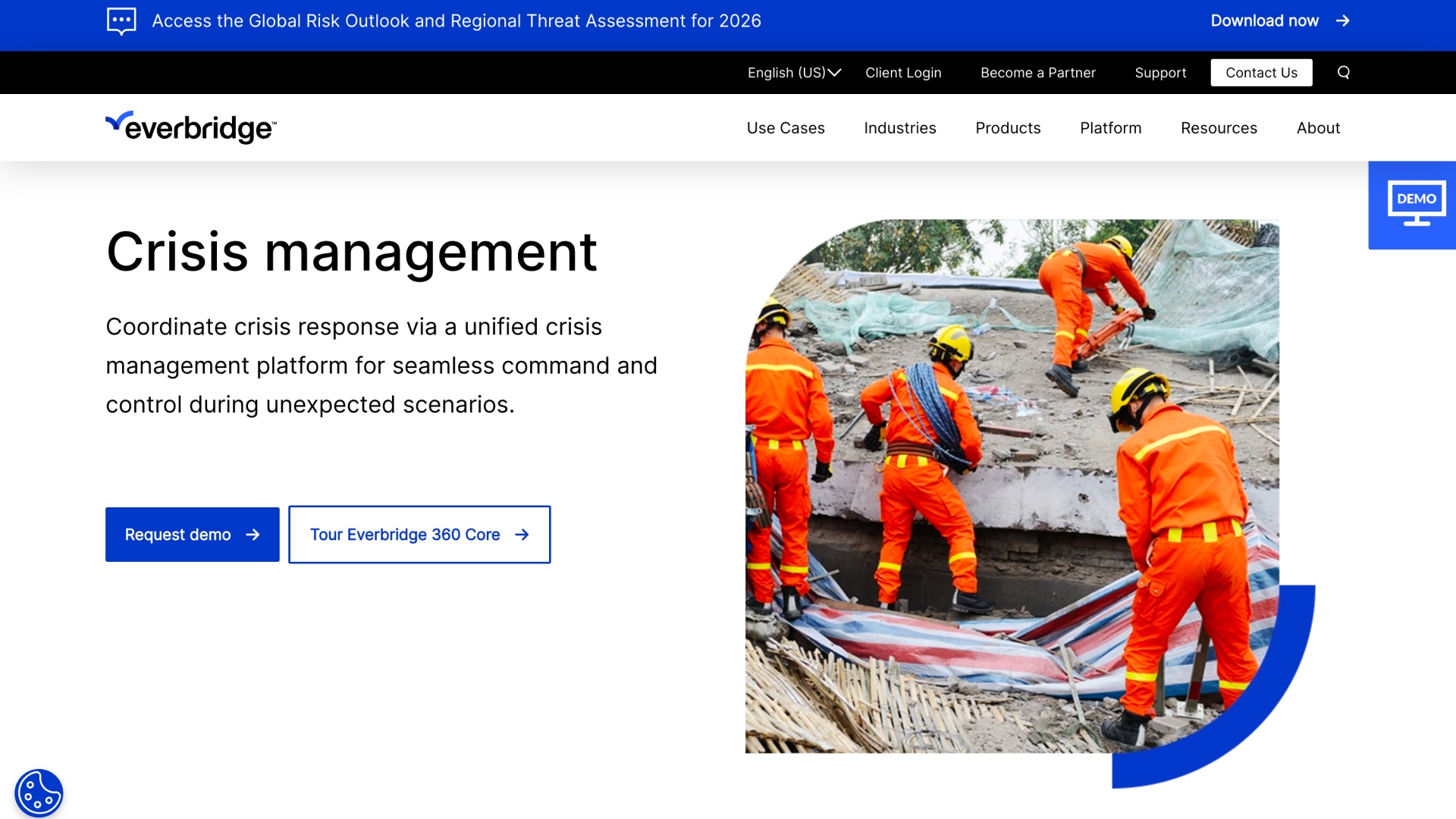
Everbridge 360 is a widely adopted Critical Event Management (CEM) platform that emphasizes enterprise-grade alerting, situational awareness, and centralized incident communications across organizations. It excels at reliably distributing critical notifications and giving leadership a consolidated view of unfolding events, making it a strong choice for large, distributed infrastructures where rapid reach and visibility are prerequisites.
However, its strengths lie primarily in alerting and visibility rather than structured crisis execution tied to regulatory audit processes. Teams that need deep ownership tracking, structured execution workflows, and audit documentation may find they need complementary systems to fill those gaps.
Key Features
- Multi-Channel Mass Notification: Delivers alerts via email, SMS, voice, and more to ensure critical messages reach stakeholders quickly and reliably.
- Situational Command Dashboards: Centralized views of active events and alert statuses for executive and operations teams.
- Incident & Threat Monitoring: Real-time feeds and visualization help teams understand evolving risks.
- Template Libraries & Automated Triggers: Predefined templates and rules accelerate initial communication.
- Integration with Continuity & Risk Feeds: Works with business continuity and risk data streams to enhance context.
Best For
Large enterprises or distributed organizations that need fast, reliable, and broad communication and situational awareness across sites or business units during crises.
Limitations To Consider
Everbridge is strong on alerting and visibility, but its built-in features are less focused on structured execution workflows, ownership enforcement, and audit-ready evidence capture compared with execution-centric tools. Organizations prioritizing audit defensibility and compliance documentation may need integrations or downstream tooling to fill those gaps.
G2 Rating: 4.5 / 5
Pricing: Not available
Trial / Demo: Available on request
3. Continuity2
https://continuity2.com/blog/crisis-management-team
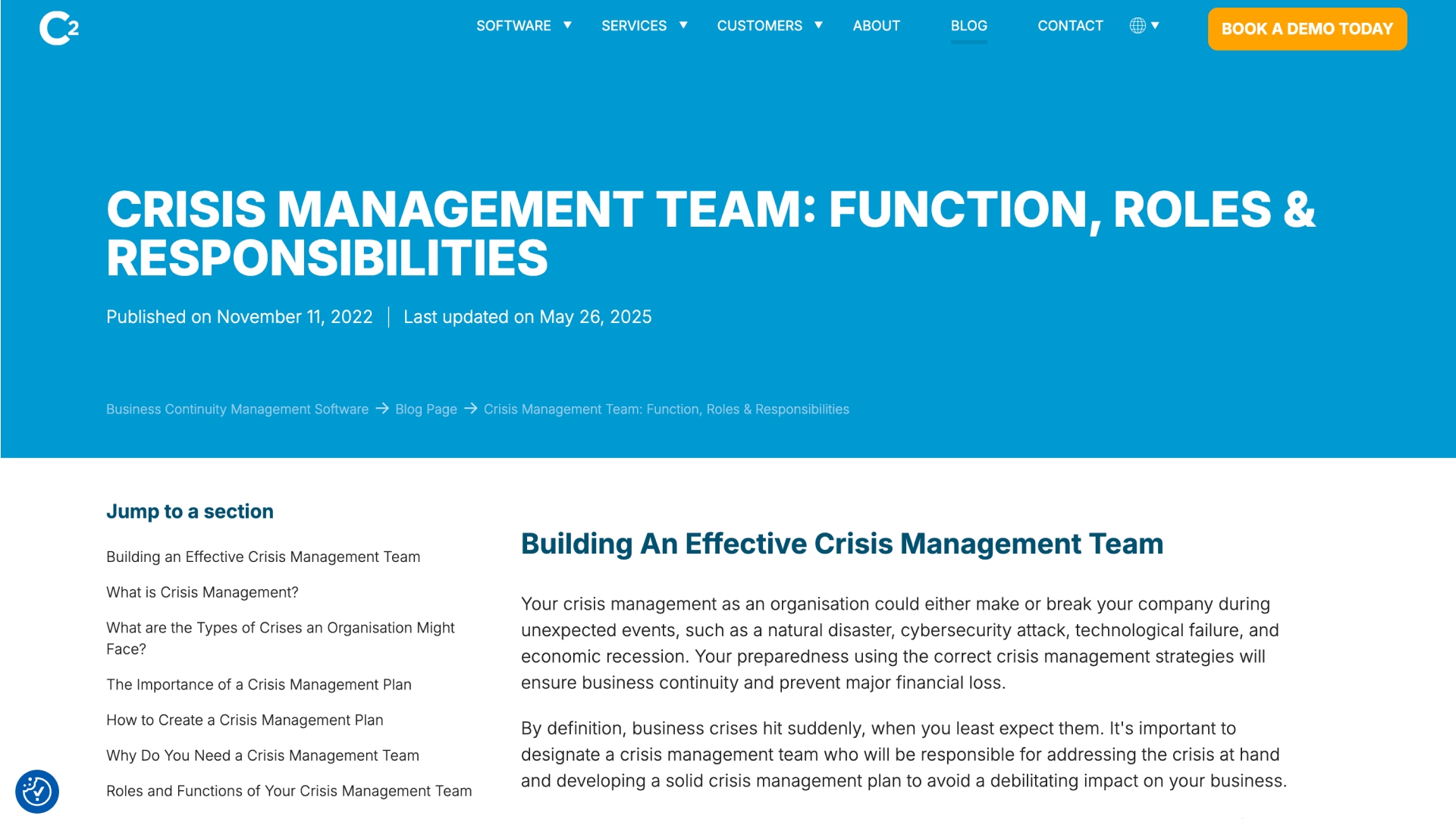
Continuity2 is a business continuity–led platform that includes crisis management as part of a broader resilience program. It is designed to activate predefined plans, coordinate response actions, and provide visibility during disruptive events, particularly in regulated environments.
For compliance and risk teams, Continuity2 brings structure and consistency to crisis response through formal continuity planning. Its strength lies in aligning incidents with approved plans rather than ad-hoc execution.
Key Features
- Automated Workflow Activation: Incident notifications trigger response actions and team communications based on predefined conditions.
- Secure Communications & Notifications: Enables controlled communication channels between stakeholders with full audit trails.
- Dynamic Dashboards & Reporting: Provides real-time views of continuity plans, incident status, and key performance indicators.
- Risk & Compliance Monitoring: Tracks BCMS effectiveness and supports internal audits and gap analysis against standards.
- Business Impact Analysis (BIA) & Plan Management: Helps teams understand critical operations and tailor plans accordingly.
Best For
Large, regulated organisations that need integrated business continuity planning and crisis support with a strong focus on risk assessment and resilience program documentation.
Limitations To Consider
Less suited for teams that need flexible, execution-first workflows or deep audit-ready task tracking outside formal continuity plans.
G2 Rating: 4.4
Pricing: Vendor quote on request.
Trial / Demo: Available on request
4. Crises Control
https://www.crises-control.com/
Crises Control is a Critical Event Management platform centered on mass notification, real-time communication, and simplified incident tracking so organisations can mobilise staff and stakeholders rapidly when emergencies strike. It is used worldwide to send alerts via SMS, email, voice, push notifications, and integrated channels like Teams, and automatically logs communications and actions for review.
For compliance and risk leaders in regulated environments, Crises Control provides rapid reach across audiences and an audit trail of alerts and responses. However, it performs best as a communication-centric solution rather than full execution orchestration tied to structured remediation and compliance workflows.
Key Features
- Real-Time Multi-Channel Alerts: Send critical notifications via SMS, email, phone calls, mobile push, and collaboration tools to reach teams instantly.
- Incident Message Logging: Automatic tracking of messages and responses creates a basic audit record for compliance reviews.
- Pre-Defined Response Plans: Templates and plan structures help guide communication steps once a crisis is declared.
- Team Collaboration & Reporting: Enables stakeholder communication and real-time status updates during events.
- Centralised Command Interface: Single pane for incident overview, alerts, and group coordination.
Best For
Organisations that need fast and reliable mass communication and basic coordinated updates to staff, responders, and stakeholders during emergencies, where rapid reach and acknowledgment tracking are priorities.
Limitations To Consider
Teams needing deeper post-incident accountability or integration with GRC systems may require additional platforms or manual processes.
G2 Rating: 4.7 / 5 (based on verified user reviews)
Pricing: Not available
Trial / Demo: Available on request
Also Read: Advanced Incident Response Software for IT Security
5. Riskonnect Crisis Management
https://riskonnect.com/crisis-management-software/
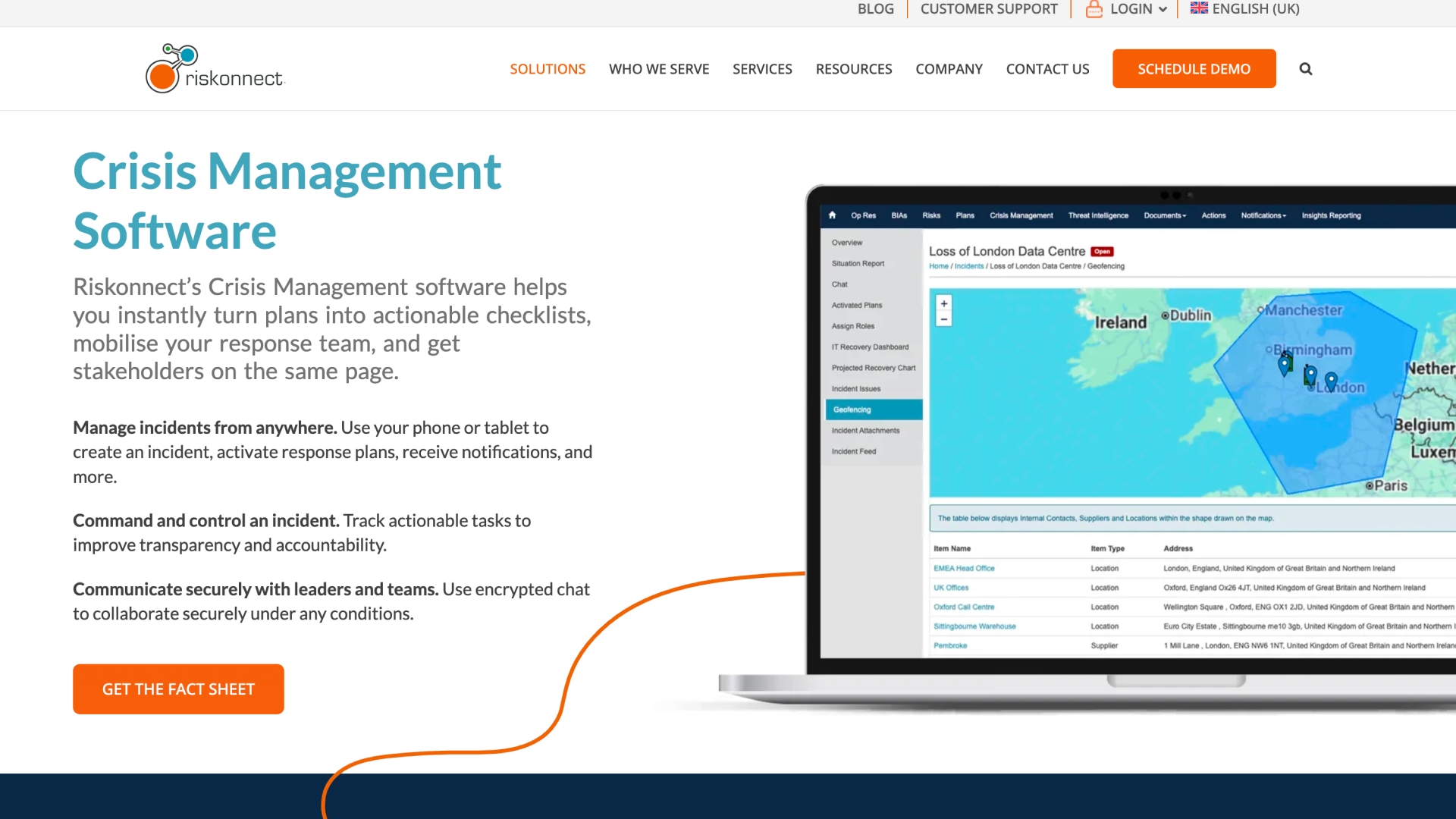
Riskonnect is an enterprise risk and resilience platform that embeds crisis management within broader operational risk, business continuity, and compliance programs. Crisis events are tracked in context, allowing teams to show how incidents relate to known risks, preparedness planning, and recovery actions.
It is best suited for organizations that want crisis response tightly aligned with ERM and continuity rather than treated as a standalone execution workflow.
Key Features:
- Unified Risk & Crisis Context: Crisis events are tied to operational risk and resilience plans, giving compliance teams a contextual view of disturbances rather than isolated incidents.
- Plan Activation & Incident Tracking: Response plans can be triggered on mobile or desktop, and actions are tracked to improve transparency and accountability.
- Automated Workflows & Notifications: Alerts and tasks are automatically routed based on incident type and roles, reducing manual coordination.
- Business Continuity & Resilience Models: Provides tools for business impact analysis, scenario modelling, and continuity planning to test preparedness across risk domains.
- Real-Time Dashboards & Reporting: Consolidated views of crisis status, risk exposure, and recovery progress support executive decisions and audit evidence.
Best For
Mid-to-large enterprises that manage crisis response as part of their enterprise risk and resilience strategy.
Limitations To Consider
More breadth than depth. Execution workflows and audit-ready task tracking may feel less prescriptive for teams needing strict response enforcement.
G2 Rating: 4.1 / 5
Pricing: Not available
Trial / Demo: Demo available on request
6. Dataminr

https://www.dataminr.com/solutions/diplomatic-security-crisis-management/
Dataminr is an AI-powered real-time event, threat, and risk detection platform that identifies early signals of crises and disruptions, often before traditional sources report them. It processes massive public data streams across text, image, video, audio, and sensor signals to deliver early warnings that help teams assess and respond to emerging incidents faster than manual monitoring allows.
For compliance, risk, and ops leaders in regulated sectors, Dataminr’s value lies in accelerating awareness and giving teams more lead time to assess and align response plans. It is not a full execution workflow tool, but it can significantly enhance situational intelligence that feeds into broader crisis and continuity systems.
Key Features:
- AI-Powered Early Warning Alerts: Detects credible events and risks from over 1 million public data sources in real time.
- Contextualized Risk Intelligence: Uses advanced AI to filter noise and prioritize actionable signals with context as events evolve.
- Global Multimodal Insight: Processes global data in multiple formats and languages to surface relevant threats early.
- Real-Time Situational Awareness: Continuous updates help teams assess evolving threats and plan response actions.
Best For
Risk and security teams in mid-market or large enterprises that need real-time risk and event visibility as an early layer of crisis management intelligence to feed into response workflows or decision systems.
Limitations To Consider
Dataminr is not a standalone crisis execution platform. It provides alerts and intelligence, not task orchestration, structured response workflows, or built-in accountability tracking required for audit-ready crisis execution without additional tools.
G2 Rating: 4.5
Pricing: Not available
Trial / Demo: Demo available upon request.
Benefits Of Using Crisis Management Tools
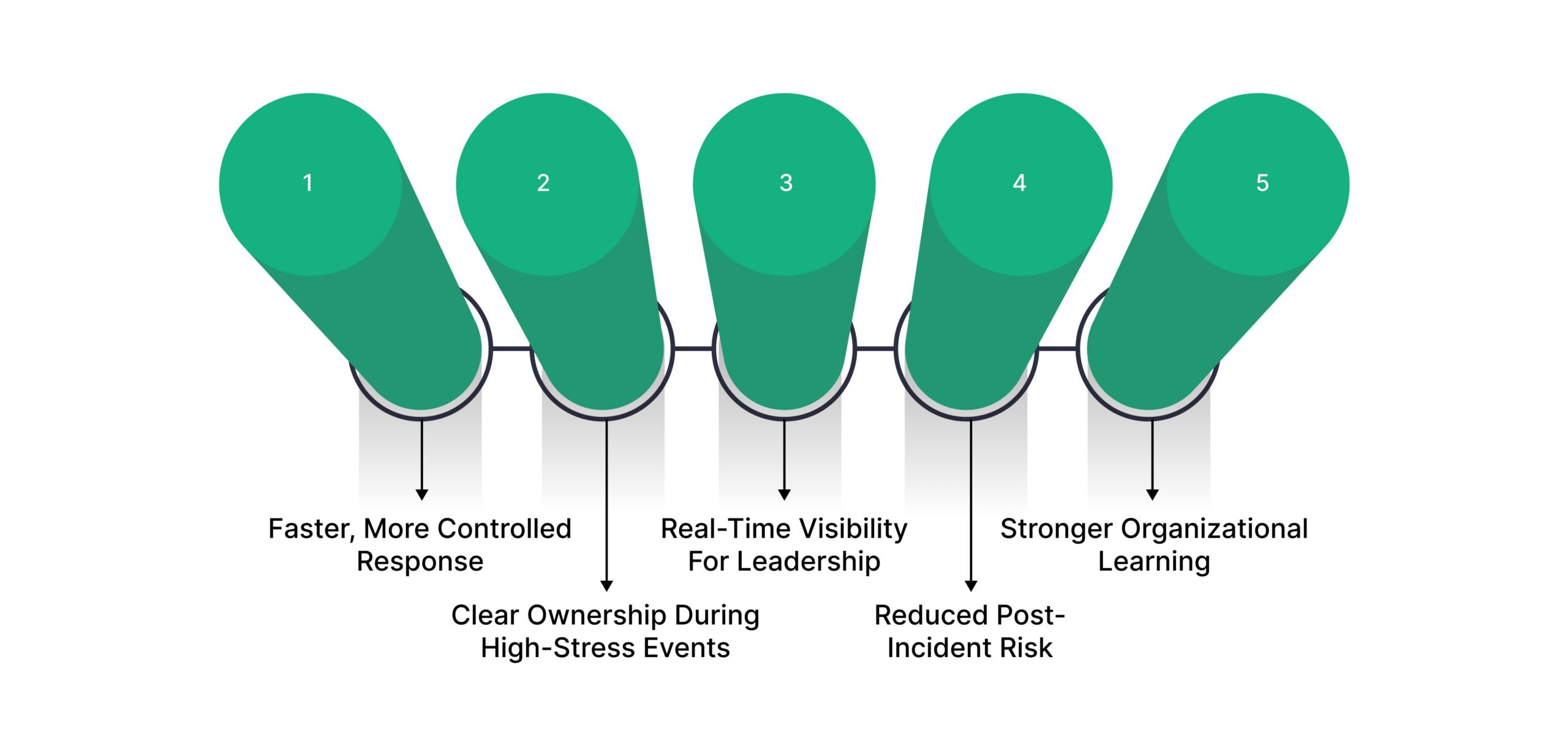
For experienced compliance, risk, and operations leaders, crisis management tools deliver value only if they improve execution under pressure. The benefits below reflect what actually changes when the right tool is in place.
- Faster, More Controlled Response
Structured workflows replace ad-hoc coordination. Teams act in parallel instead of waiting on emails or meetings. - Clear Ownership During High-Stress Events
Tasks are assigned with accountability built in. Nothing stalls because responsibility is visible and enforced. - Real-Time Visibility For Leadership
Dashboards replace status calls. Decision-makers see what is open, delayed, or resolved at any moment. - Reduced Post-Incident Risk
Actions and decisions are documented automatically. Teams avoid manual reconstruction during audits, investigations, or board reviews. - Stronger Organizational Learning
Incidents feed directly into remediation and prevention. Lessons learned translate into improved controls and preparedness.
When these benefits are missing, crises feel chaotic even if alerts go out on time.
How to Choose the Best Crisis Management Tool: 5 Must-Check Capabilities
Many crisis management tools look similar on paper. The real differences only surface during live incidents and post-incident reviews. To avoid tools that break down under pressure, evaluate platforms using the criteria below.
1. Does the Tool Enforce Action, or Just Enable It?
Some platforms allow teams to coordinate if they choose to. Others enforce execution by requiring tasks to be owned, completed, or escalated. For regulated teams, enforcement matters more than flexibility when time is limited.
Ask whether the system still works when people are busy, unavailable, or disagree on next steps.
2. Can It Scale Across Teams Without Losing Control?
Crises rarely stay within one function. The tool should support parallel work across IT, security, legal, operations, and compliance without fragmenting ownership or visibility.
If coordination depends on meetings or manual updates as scope expands, execution will slow when scale increases.
3. Is Accountability Preserved Automatically Under Stress?
During real incidents, people do not document actions consistently. Strong tools capture accountability by default, not by relying on user discipline.
If the platform requires manual notes or after-the-fact summaries to explain what happened, audit risk remains high.
4. Does It Reduce Post-Incident Reconstruction Work?
A practical test: after an incident closes, can leadership answer what happened, who acted, and why decisions were made without rebuilding timelines from emails and chats?
Tools that reduce reconstruction effort materially lower legal, regulatory, and reputational risk.
5. Does the Tool Improve Future Readiness, Not Just One Event?
The best crisis platforms turn incidents into inputs for improvement. Look for systems that support follow-up actions, accountability for remediation, and integration into broader risk or compliance workflows.
If each crisis ends as a standalone event, the organization does not get measurably stronger over time.
Turning Crisis Response Into Executable Risk Operations
A common gap in crisis management isn’t awareness, it’s execution. Many organizations can notify the right people quickly, but struggle once response actions begin. Tasks fall across teams, accountability becomes unclear, and leadership lacks a reliable view of what’s actually happening.
This is where risk-focused operational workflows matter more than alerting speed alone.
Platforms like VComply’s Risk Ops are designed for situations where a crisis must be handled as a structured sequence of actions rather than a one-time event. Instead of treating incidents separately from governance processes, Risk Ops connects response activities directly to risk ownership, controls, and follow-up actions.
This approach can help when:
- Response actions must be tracked and evidenced
Each task is assigned, time-bound, and auditable, reducing reliance on informal updates or manual follow-ups. - Multiple teams need to act simultaneously
Risk Ops enables parallel execution while maintaining a single source of truth for status and ownership. - Incidents have regulatory or compliance implications
Response steps, investigations, and outcomes can feed back into risk registers, controls, or policy updates without duplication. - Leadership needs visibility without micromanagement
Real-time dashboards provide progress and bottleneck visibility without constant escalation meetings.
By embedding crisis response into Risk Ops, organizations can reduce execution friction and ensure incidents are handled with the same discipline as ongoing risk and compliance activities. Start a 21-day free trial to get clearer accountability and better preparedness for post-incident review or scrutiny.
Wrapping Up
Crisis management tools are only as effective as their ability to guide action when pressure is highest. Alerts start responses, but execution determines outcomes.
Organizations that rely on email chains and spreadsheets after notification lose time, clarity, and control. Tools that enforce ownership, track progress, and maintain visibility reduce confusion and improve confidence during and after incidents.
VComply stands apart by enabling crisis response as a repeatable, auditable operational process. For teams that must answer not only what happened, but how it was handled, that difference matters.
Book a free demo of VComply to see how structured workflows, real-time visibility, and built-in accountability help teams manage crises with control and confidence.
FAQs
Emergency notification systems focus on sending alerts. Crisis management tools coordinate actions, ownership, progress tracking, and documentation throughout the response lifecycle.
Yes. Tools that document actions and decisions in real time reduce exposure during audits, investigations, and regulatory inquiries by providing clear evidence of response.
Many can, but execution-focused platforms like VComply are designed to link incidents directly to risks, controls, and remediation workflows.
No. They are equally valuable for cyber incidents, regulatory events, operational disruptions, and internal investigations that require a structured response.
Prioritize tools that manage execution, not just communication. Look for ownership enforcement, real-time visibility, audit trails, and integration with existing risk and compliance processes.